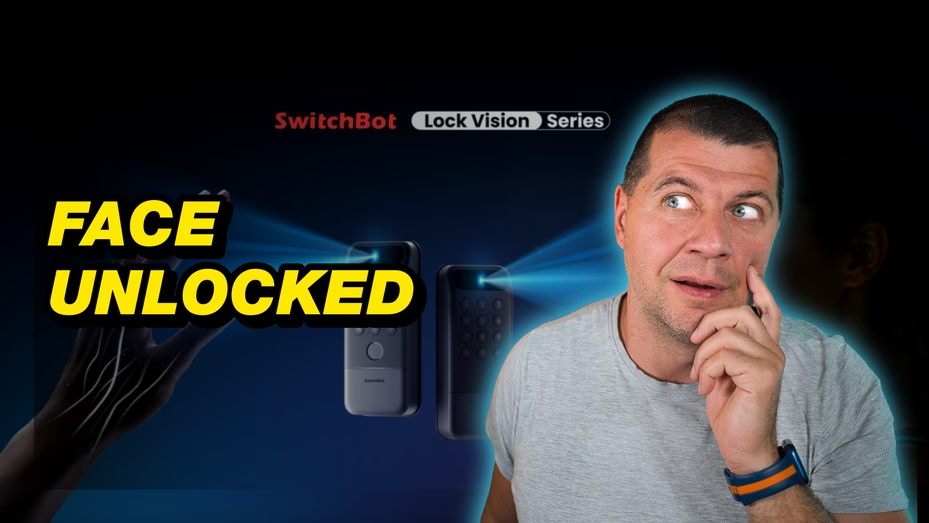
SwitchBot Lock Vision Pro is the kind of smart lock that sounds slightly fake when you describe it too quickly. It can unlock with your face. It can unlock with your palm vein. It supports Matter-over-Wi-Fi. And somewhere in the middle of all that, there is a very normal smart home question: will this actually make life easier, or is it just a fancy door gadget with a camera and confidence?
I like smart locks, but I also do not trust them for free. A light bulb can be weird and nothing terrible happens. A smart plug can disconnect and I can survive. But a front door lock needs a different level of calm. If it is too clever, too slow, or too needy, it becomes annoying fast.
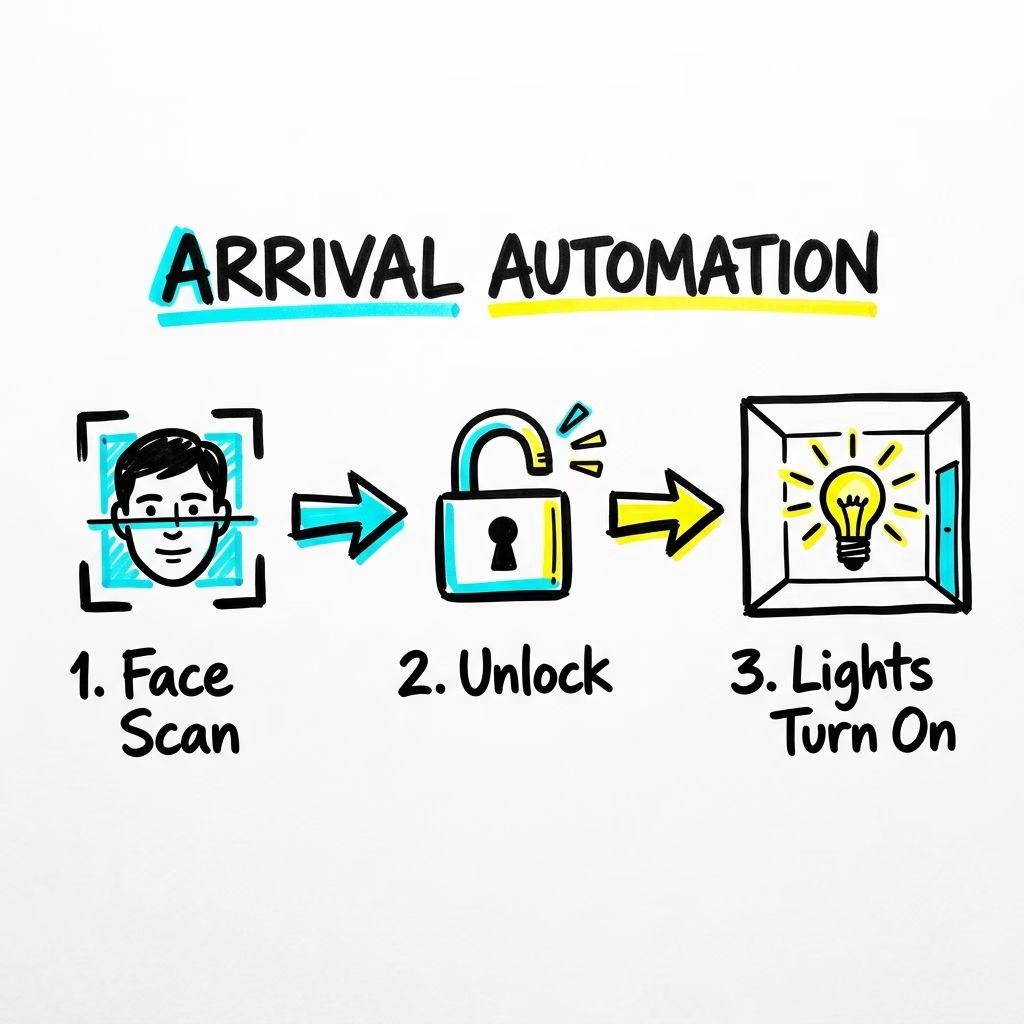
That is why SwitchBot Lock Vision Pro caught my attention. The headline is face unlock, of course. That is the part everyone will notice first. But for me, the more interesting part is what happens after the lock opens. Can Home Assistant react? Can the hallway light turn on? Can the alarm routine stop? Can the door become a useful automation trigger instead of one more separate app?
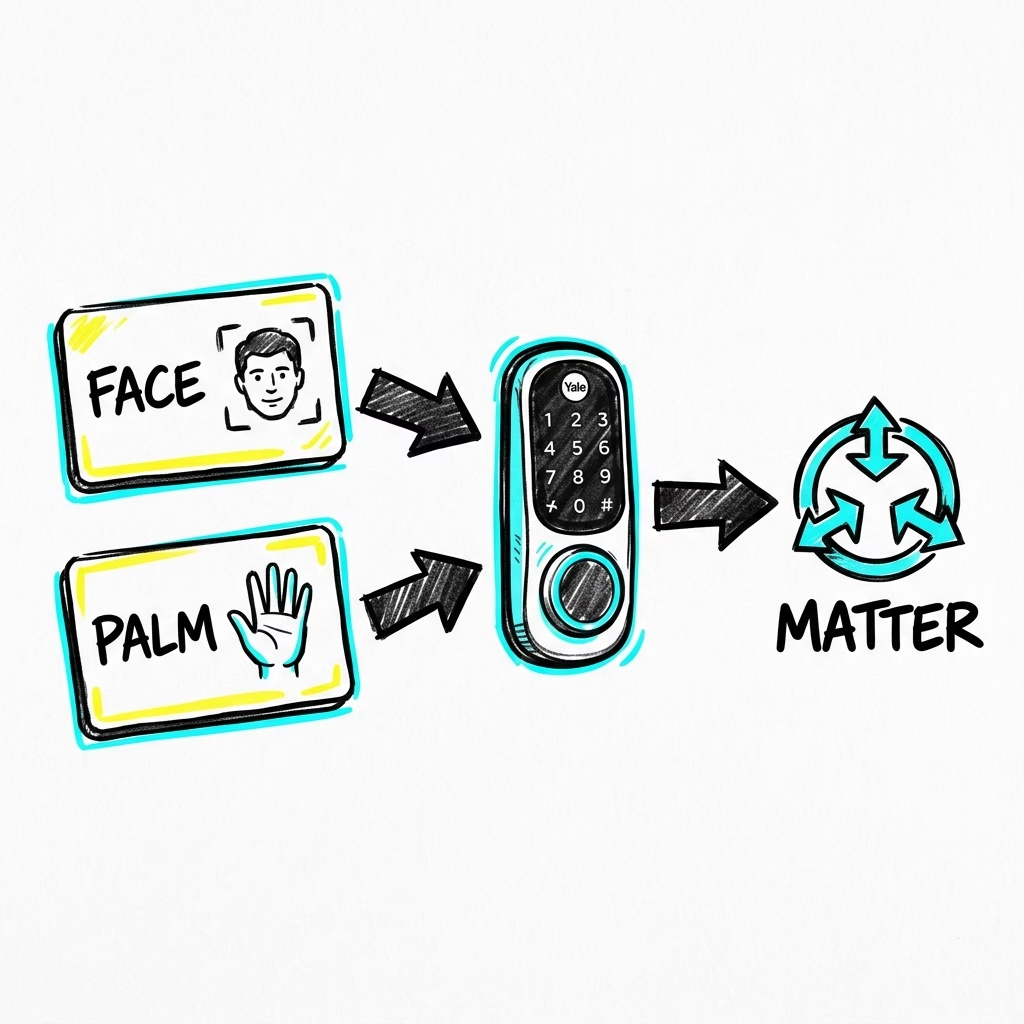
Table of Contents
The funny thing about a smart lock with a face scanner
Imagine coming home with groceries in one hand, a box under the other arm, your phone buried somewhere deep in your pocket, and your keys doing that little magic trick where they stop existing the moment you need them.
This is exactly when a smart lock should feel smart. Not “open the app, wait for Bluetooth, press a button, stand closer, maybe try again” smart. I mean walk up, get recognized, door opens, and the house starts doing the boring things automatically.
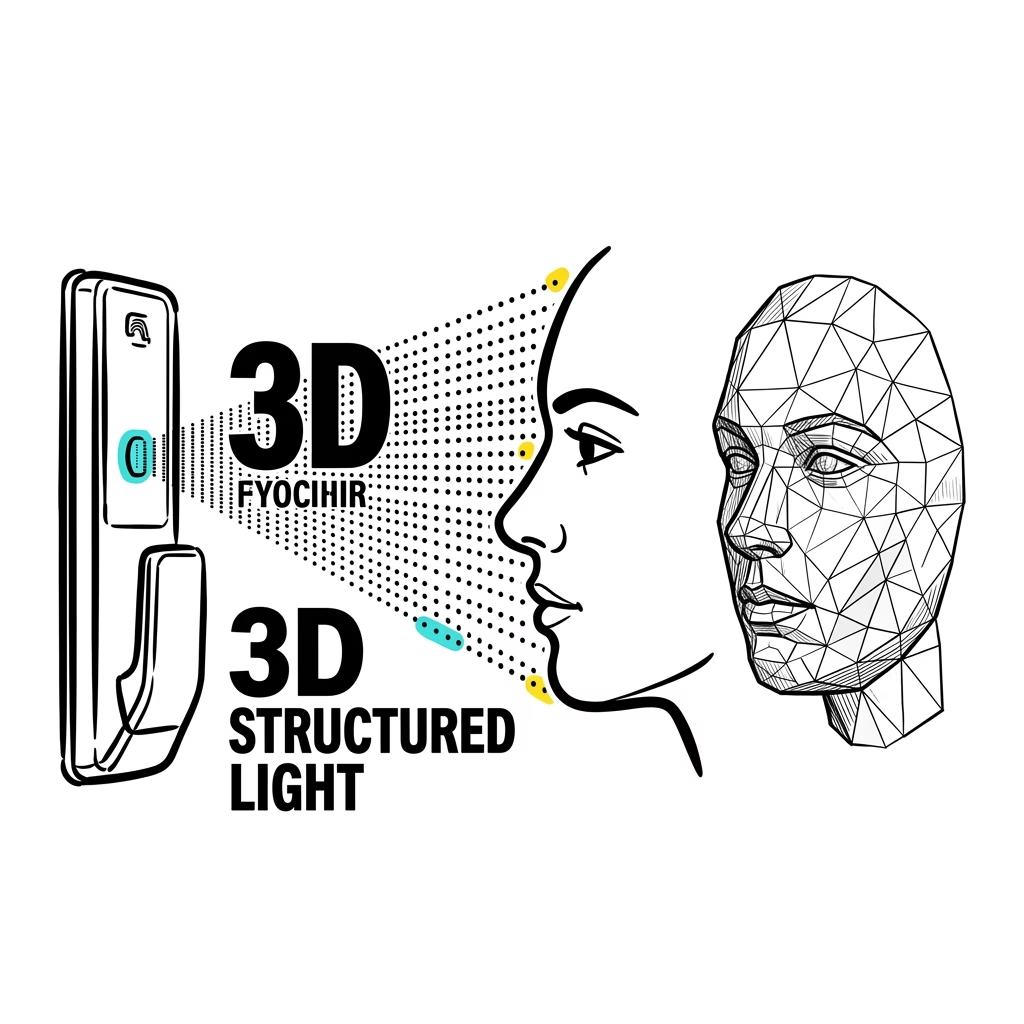
SwitchBot Lock Vision Pro tries to solve that moment with 3D structured-light facial recognition. According to the SwitchBot material, it uses more than 20,000 infrared points to build a 3D face map and unlock in under one second. It is also designed to resist photo or video spoofing, which matters because a door lock that can be fooled by a selfie is not a smart lock. It is a very expensive compliment machine.
Tired of reading?
If you prefer watching instead of reading, the video version is here: Watch the SwitchBot Lock Vision Pro video.
In the video I go through the same idea with the smart home angle, the funny face-unlock part, and the Home Assistant questions I would test before trusting it fully.
Face unlock is the headline, but palm-vein unlock is the spy movie part
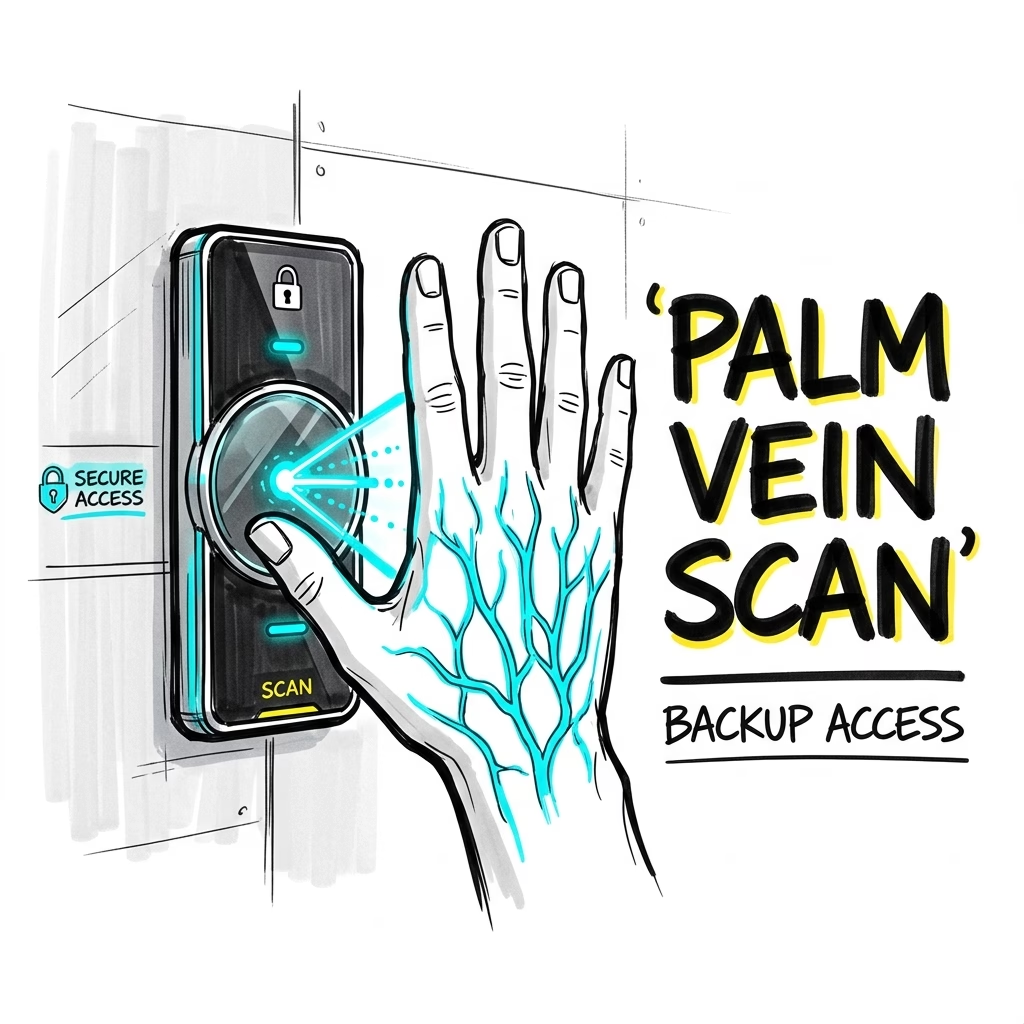
The Pro version also adds contactless palm-vein recognition. That sounds like something from a secret lab, but it has a practical side. Fingers can be wet. Hands can be messy. Sometimes face unlock may be awkward because of angle, lighting, hats, or just real life being real life.
SwitchBot says the lock can also unlock by fingerprint, NFC card, NFC tag, phone Bluetooth, passwords, temporary passwords, voice, smartwatch, widget, geo-fence auto-unlock, physical key, and more. The list goes up to 19 unlock methods. At some point it starts feeling like the door has its own customer support department.
But I do like the idea. A good smart lock should have fallbacks. One method will fail exactly when your hands are full or your phone battery is dead. The more important the device, the less I want it to depend on one magic trick.
The Home Assistant angle is Matter-over-Wi-Fi
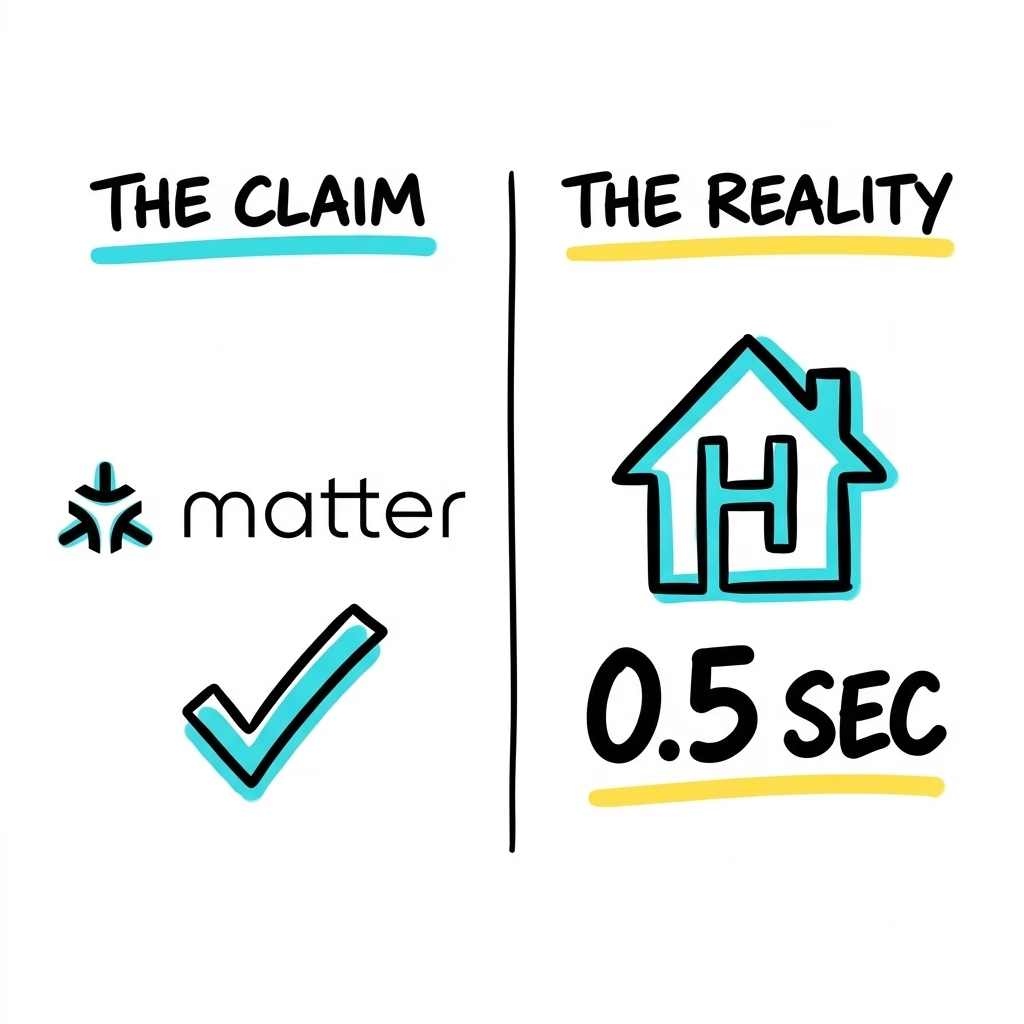
The line that matters most for smart home people is this: SwitchBot Lock Vision Pro supports Matter-over-Wi-Fi. The SwitchBot documents say it does not need an additional Matter-enabled hub for Matter-over-Wi-Fi, which is a nice sentence to read if you are trying to avoid another plastic box near the router.
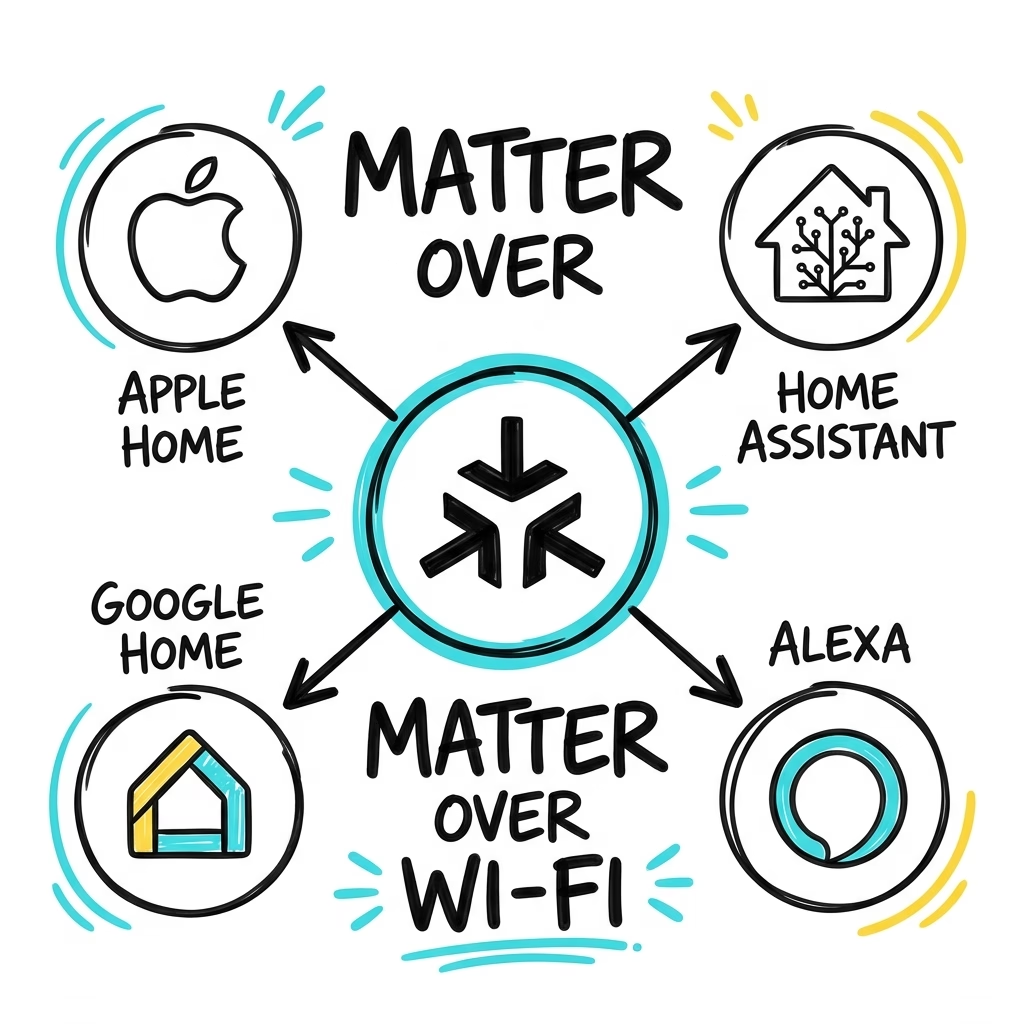
Matter is the standard that tries to make smart home devices work across different ecosystems. If you want the official version, the Connectivity Standards Alliance explains Matter here: Matter smart home standard.
Now, I want to be careful here. The product material I reviewed does not scream “Home Assistant” in giant neon letters. So I am not going to pretend that it does. But Matter-over-Wi-Fi is exactly the kind of support that makes a lock more interesting for a Home Assistant setup.
If SwitchBot Lock Vision Pro exposes the right lock state and control entities through Matter, the fun starts after the door unlocks. Home Assistant could see that state change and then turn on the hallway light, pause an alarm routine, start a short camera recording, or announce that the front door unlocked.
Good news: it works in Home Assistant
After testing it, I can say the Home Assistant part is not just theory anymore. I successfully added SwitchBot Lock Vision Pro to Home Assistant using Matter-over-Wi-Fi, and it worked nicely.
The path I used was simple. First I added the lock to Apple Home with Matter. After that, I added it to Home Assistant. Once it was there, Home Assistant could see the lock battery, the current lock state, and I could also lock and unlock it from Home Assistant. That is exactly the basic set of things I wanted to see first.
I also tried the local Bluetooth option with the SwitchBot Bluetooth integration, and that worked great too. The same useful sensors and entities showed up there as well, which is very good news.
So users are not stuck with only one way to bring this lock into a smart home system. Matter-over-Wi-Fi works, and local Bluetooth works too. I like that a lot, because more setup options usually means fewer headaches later.
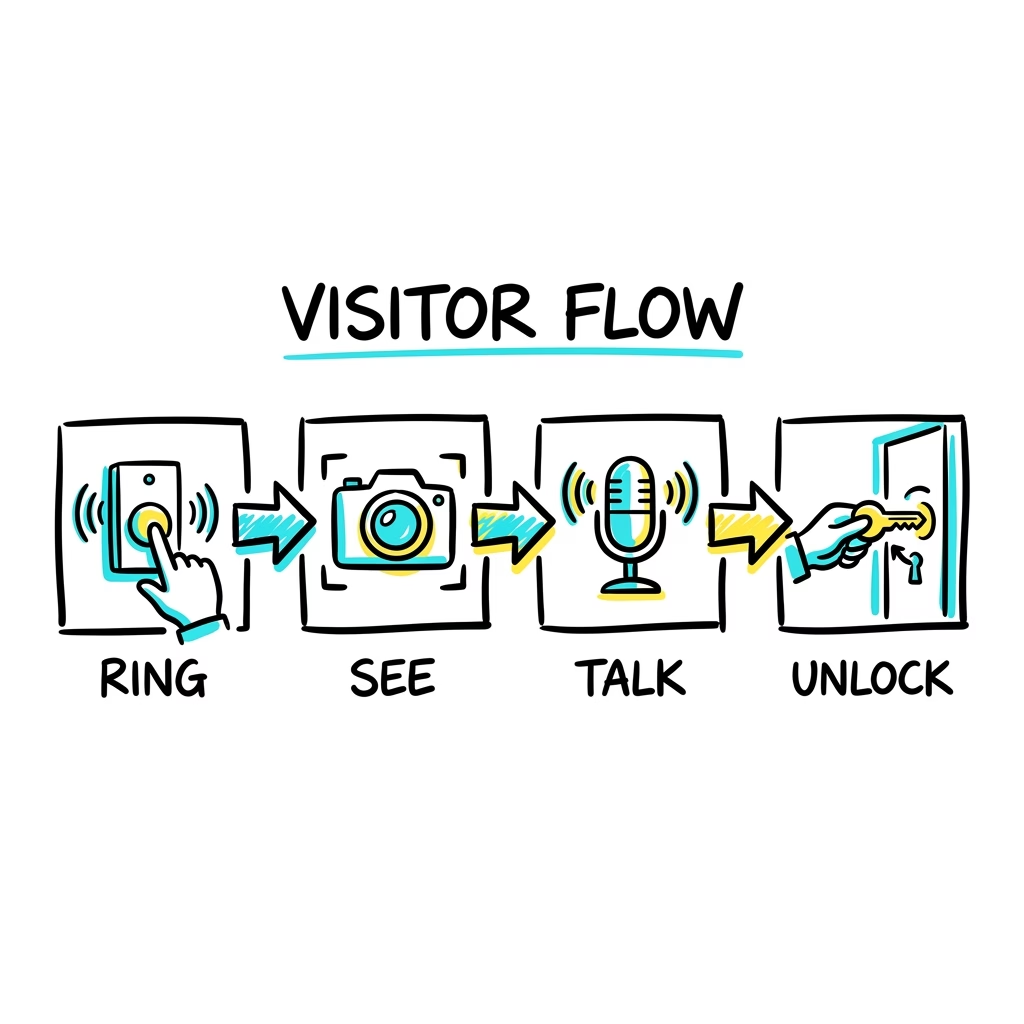
Only after confirming these basics would I build the fun stuff. For example, when the door unlocks after sunset, turn on the hallway light. If the door stays unlocked too long, send a notification. If the door unlocks when nobody is expected, make the house politely suspicious. You know, normal Home Assistant behavior.
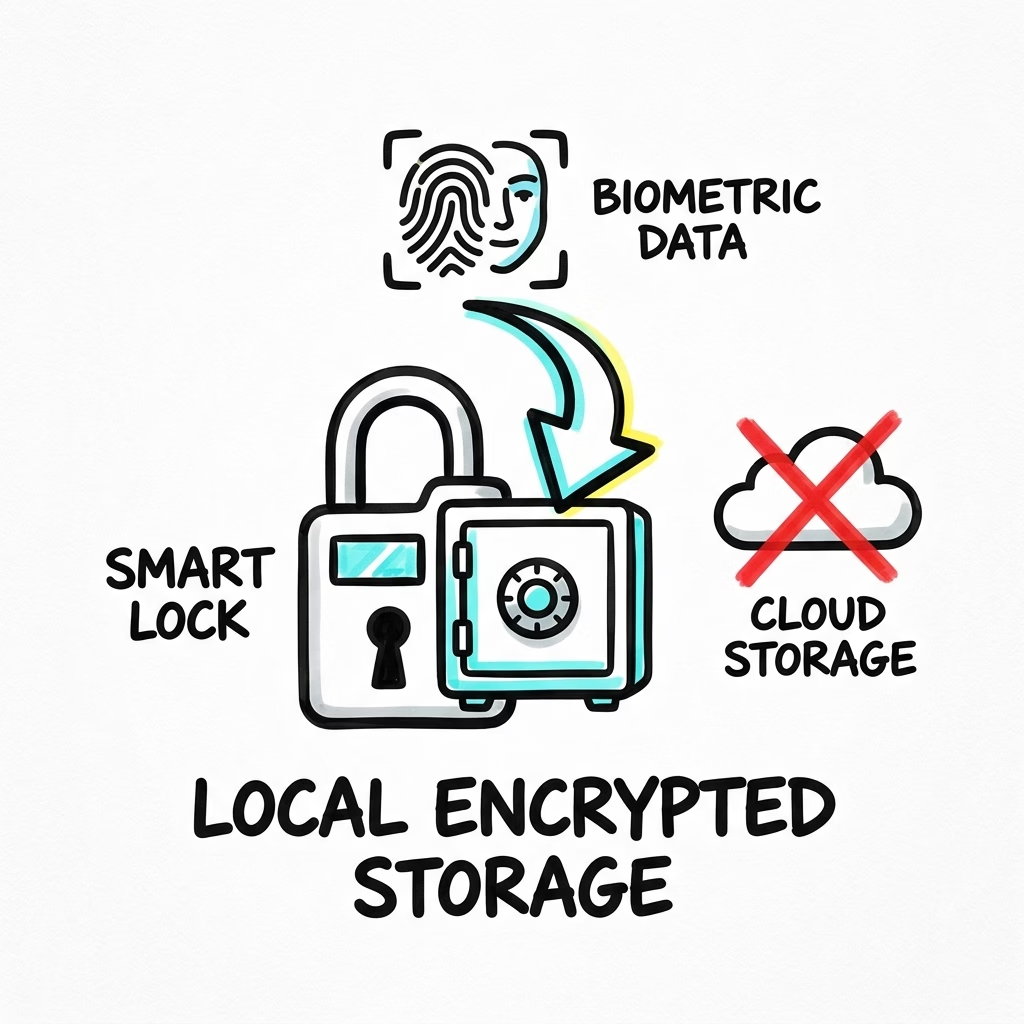
The SwitchBot documents mention millimeter-wave radar that wakes recognition when someone approaches. That is good because the lock does not need to keep the recognition system fully awake all day. They also mention local biometric storage, AES-128 encrypted communication, lockout after wrong attempts, tamper alerts, emergency SOS fingerprint recognition, and six security layers covering alarm, locking, unlocking, communication, storage, and power.
That does not make SwitchBot Lock Vision Pro invincible. No smart lock is. But it tells me SwitchBot is at least treating the security part seriously and not just saying “trust the app, bro.” For a device on the front door, that matters.
The catches are small, but they are real
There are a few things I would keep in mind before getting excited.
First, SwitchBot Lock Vision Pro is sold only in the US and Canada. If you are in Europe, like me, this is more of a smart home preview than a simple weekend purchase.

Second, the docs I checked do not specifically name Home Assistant. Matter support is promising, but real testing still matters. I want to see the entities, speed, reliability, and daily behavior before making big claims.
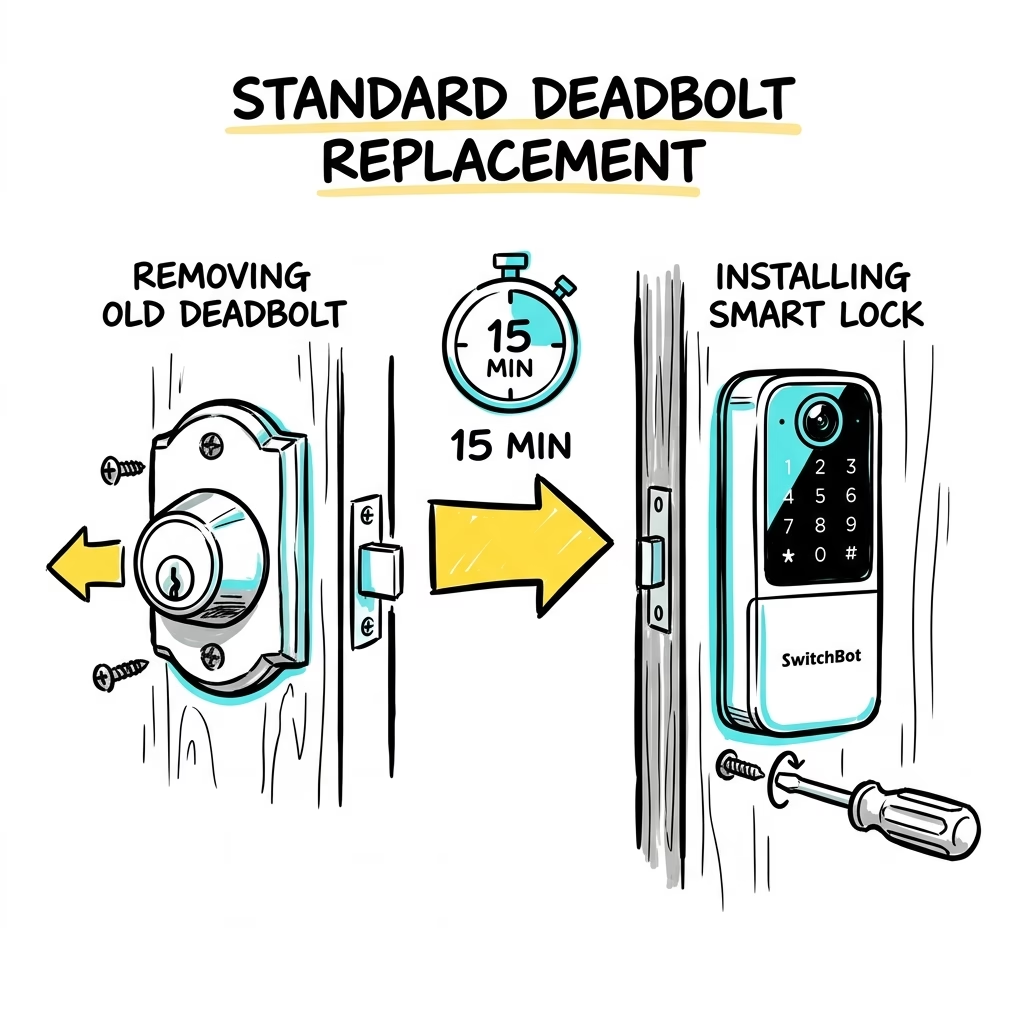
Third, this is a real lock replacement. It is not the old style where a tiny robot sticks over an existing thumb turn. The material says it works with most deadbolt locks, installs with one screwdriver, and takes around 15 minutes. That still sounds friendly, but you are replacing the lock, not adding a toy to the inside of the door.
Honestly, for a lock with face recognition, palm-vein recognition, Wi-Fi, a keypad, battery backup, and IP65 water and dust resistance, a more complete installation makes sense.
Battery backup is not exciting until you need it
This is one of the practical parts I like most. SwitchBot says the lock has a 10,000mAh rechargeable main battery that can last up to 12 months on one charge under typical usage. There is also a CR123A backup battery, described as up to 500 emergency unlocks, plus Type-C emergency charging on the keypad.
Main battery. Backup battery. Emergency charging. Good.
Because a dead smart lock is not futuristic. It is just a very opinionated decoration attached to your door.
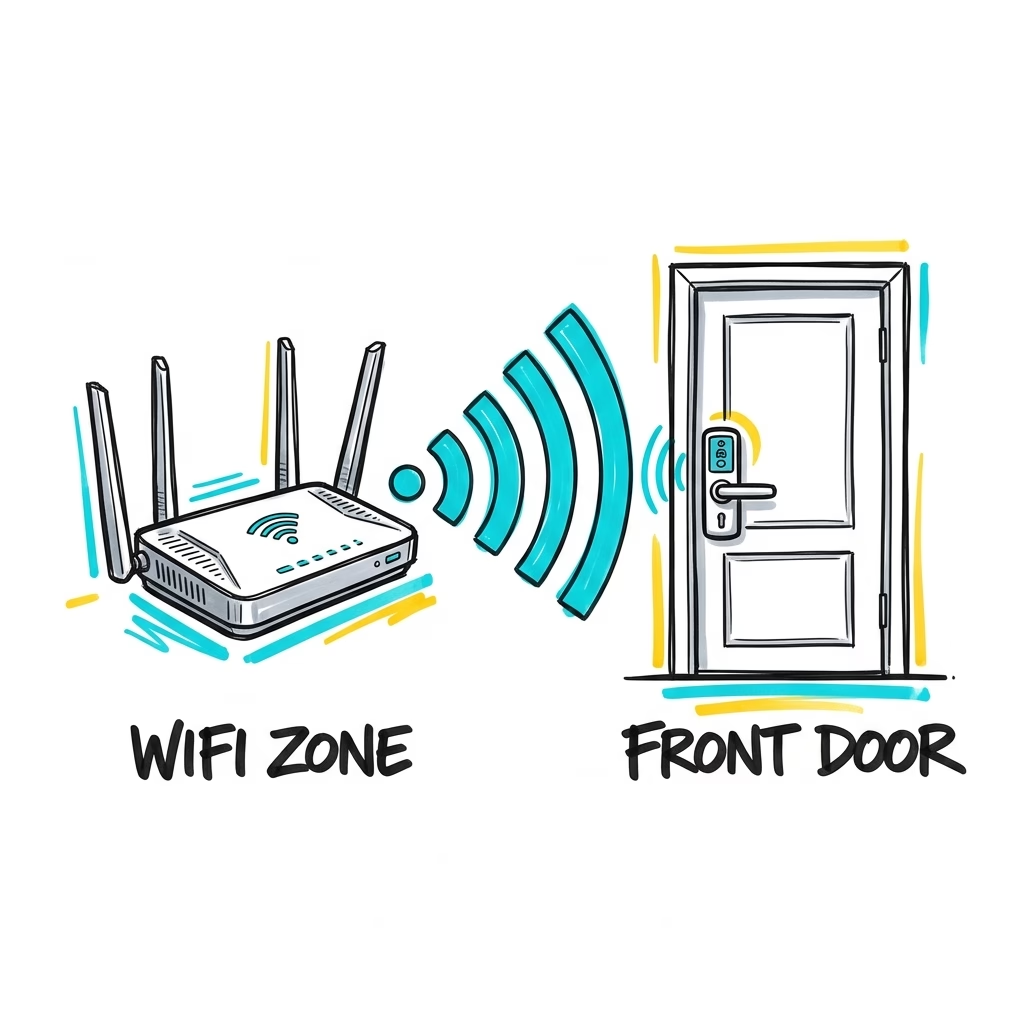
I would still make sure the front door area has strong Wi-Fi. The specs mention stable Wi-Fi within 16.4 feet through walls. That is useful, but walls are sneaky. Concrete walls are basically Wi-Fi villains. Before trusting SwitchBot Lock Vision Pro with automations, I would check the signal where the lock actually lives.
Get the Home Assistant glossary PDF
If Matter, NFC, BLE, geo-fence, local storage, or half the smart home words in this article sound like a secret menu, I made something for that.
You can get my free Home Assistant glossary here: https://automatelike.pro/glossary
It is a PDF packed with Home Assistant words, acronyms, and their simple, useful explanations. To get the PDF, type your name and e-mail. You will receive an e-mail from me to confirm you are not a robot, and the PDF will be sent to your inbox. You’ll also be subscribed to my newsletter where I share new content, updates, and my exclusive AI and HA challenge. It’s free and you can unsubscribe anytime with one click.
Where to buy?
If this article is published with buying links later, I would add them here after checking the correct product pages and region availability:
- SwitchBot Lock Vision Pro Smart Lock – https://amzn.to/4eMZEbF
- SwitchBot Lock Vision Smart Lock – https://amzn.to/4enoApD
- SwitchBot Hub 3 – https://amzn.to/4ecT92K
- SwitchBot Video Doorbell – https://amzn.to/4orfj4A

My honest take
The face recognition is the part that gets attention. The palm-vein unlock is the part that feels like a spy movie. The many unlock methods are the family-proofing. The local biometric storage is the privacy point. The battery backup is the sanity point.
But Matter-over-Wi-Fi is the reason SwitchBot Lock Vision Pro is interesting for Home Assistant people.
If the Matter implementation is solid, the door can become one of the most useful automation triggers in the whole house. If it is slow or limited, then it is still a clever smart lock, but less exciting for people who want one automation brain.
So my short version is this: SwitchBot Lock Vision Pro looks genuinely interesting, but I would judge it by the boring daily tests. Does it unlock fast? Does it report state reliably? Does it behave when Wi-Fi is imperfect? Does Home Assistant see what it needs to see?
That is where a smart lock earns its place. Not in the clean product photo. At the door, when your hands are full, the lights are off, and your keys have joined a witness protection program.
If you want more
If you like this kind of smart home testing, check more of my Home Assistant articles and smart home posts. I usually focus on the practical side: what works, what is weird, and what is actually worth automating before your house becomes a tiny dramatic coworker.