
If your smart home still needs you to think like a programmer every time you want a simple automation, something is wrong.
That sounds a bit harsh, I know. But this is exactly where a lot of Home Assistant users get stuck. You have a very normal idea in your head, like “tell me if the garage door is open too long”, and then suddenly you are choosing entities, device classes, states, conditions, helpers, templates, and five other things that make the idea feel bigger than it should.
The good news is that Home Assistant automation triggers are slowly moving in a much more natural direction. The new purpose-specific triggers and conditions are not magic, and they are still part of Home Assistant Labs, but they point to something I really like:
Automations that sound closer to real life.
Not perfect. Not finished. But much easier to understand.
Table of Contents
The tiny panic that makes this useful
Here is a simple story.
You leave the house for a weekend trip. The bags are in the car, the door is locked, the navigation is running, and for a few minutes everything feels fine.
Then, halfway down the road, your brain decides to be helpful in the worst possible way.
Did I close the garage door?
Now the whole trip has a small annoying cloud over it. Maybe you did close it. Maybe you did not. Maybe you ask someone at home. Maybe you open the camera. Maybe you turn around, which is always the worst option because of course the door is probably closed.
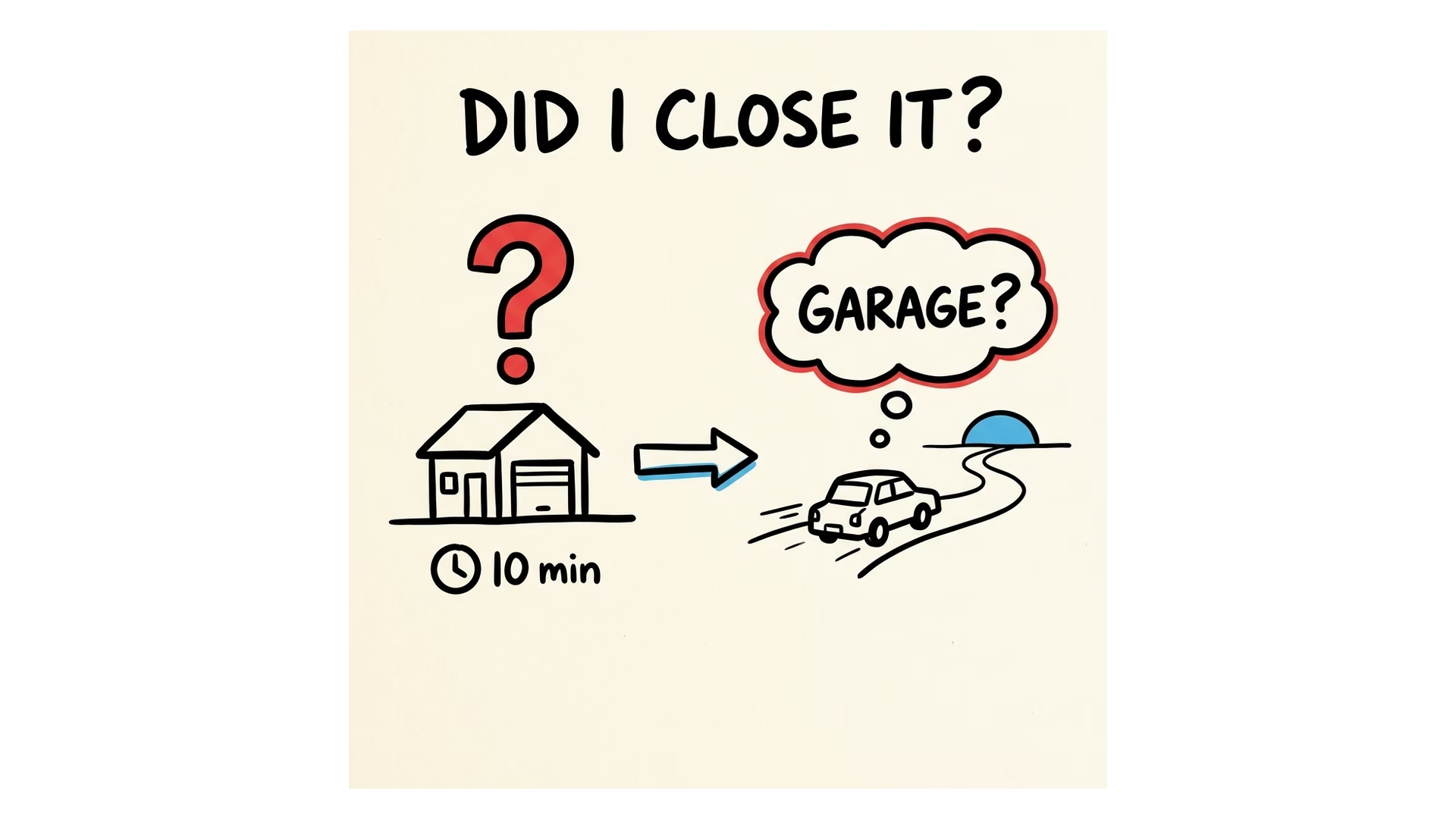
This is the kind of boring problem that Home Assistant should solve beautifully.
Not because garage doors are exciting. They are not. But because your home already has the data. It knows if a door is open. It can know how long it has been open. It can know if it is evening, if nobody is home, or if the heating is running while a window is still open.
That is where the new Home Assistant automation triggers become interesting.
Tired of reading?
If you prefer to watch instead, paste the YouTube video URL here when it is ready:
YouTube video URL: https://youtu.be/7P1twf7YDsw
What are purpose-specific triggers?
Purpose-specific triggers and conditions are a new way to describe common smart home situations without starting from the most technical pieces.
Instead of thinking only in raw entity states, you can start closer to the thing you actually care about.
- when motion has not been detected
- when a doorbell rings
- when a media player starts playing
- when a timer finishes
- when an update is available
- when a window or door has been open
That may not sound huge at first. But if you have built enough Home Assistant automations, you know why it matters.
The old way often starts with the device or entity. The better way starts with the real situation.
There is a big difference between binary_sensor.garage_door_contact changed to on and “the garage door has been open for 30 minutes after sunset”. One is a technical fact. The other is the thing you actually care about.
The small word that changes everything: for
The most useful part for me is duration support.
A sensor changing state is often too noisy by itself. Motion stopped does not always mean the room is empty. A door opening does not always mean there is a problem. A window being open for 30 seconds is usually fine.
But when something stays true for a while, it starts to mean something.
- Motion stopped for 15 minutes can mean the office is empty.
- A front door open for 10 minutes can mean someone forgot it.
- A garage door open for 30 minutes after sunset deserves a notification.
- A window open while the heating is on can be funny for about two minutes, and expensive after that.
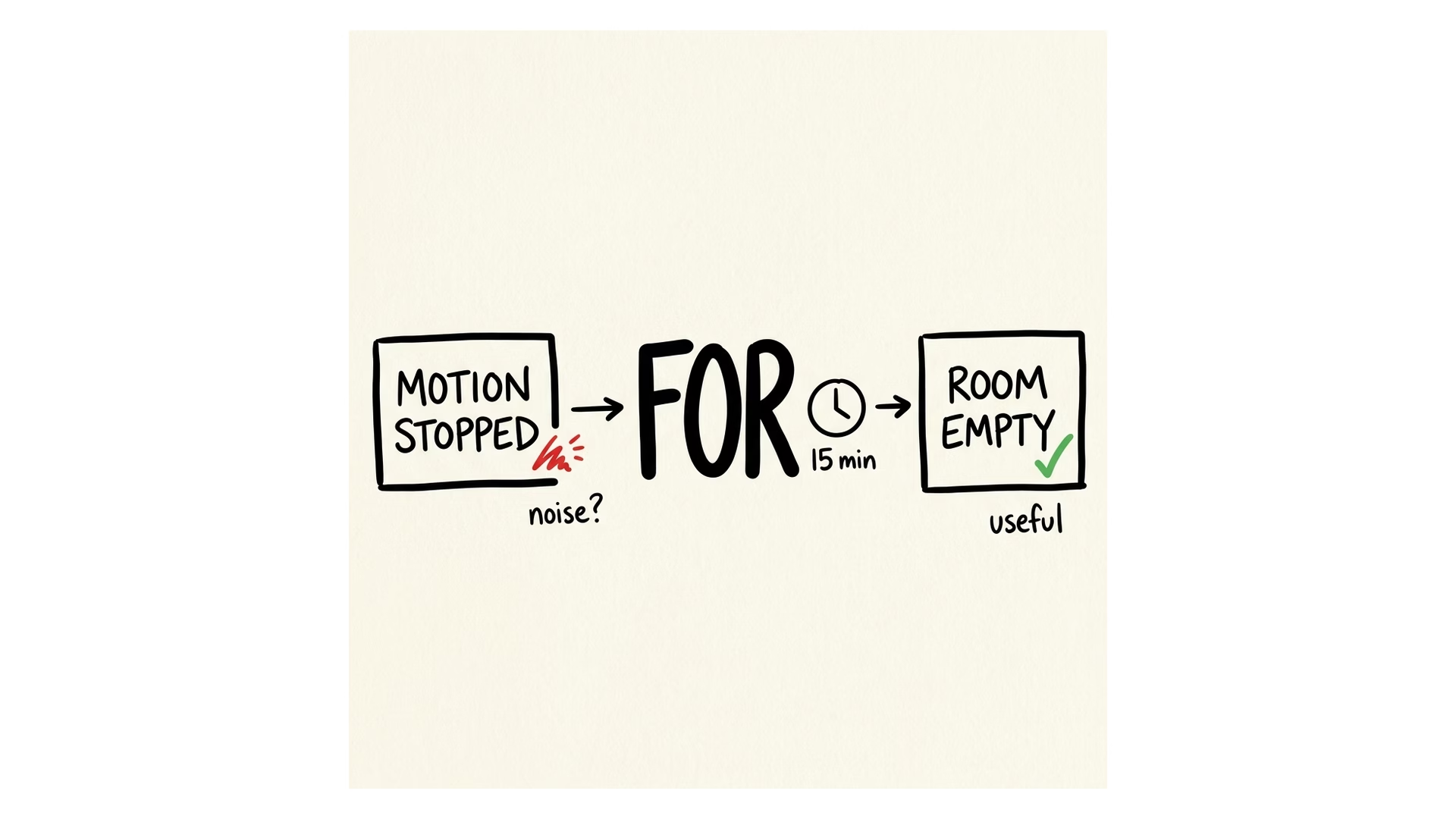
This is why the word “for” matters so much. It lets the automation wait until the situation has lasted long enough to be worth acting on.
That makes automations less jumpy. Less annoying. More useful.
And honestly, that is where smart homes often fail. They do the technically correct thing too fast, too often, or at the wrong moment. Duration helps the home calm down a little.
A few real examples I would actually use
Office lights that do not panic
If the office has been empty for 15 minutes, turn off the lights. Maybe also switch off the monitor plug or let the heating relax.
But do not turn everything off the moment motion stops. Sometimes you are just sitting still. Sometimes you walked to the kitchen for coffee. Sometimes the motion sensor is being dramatic.
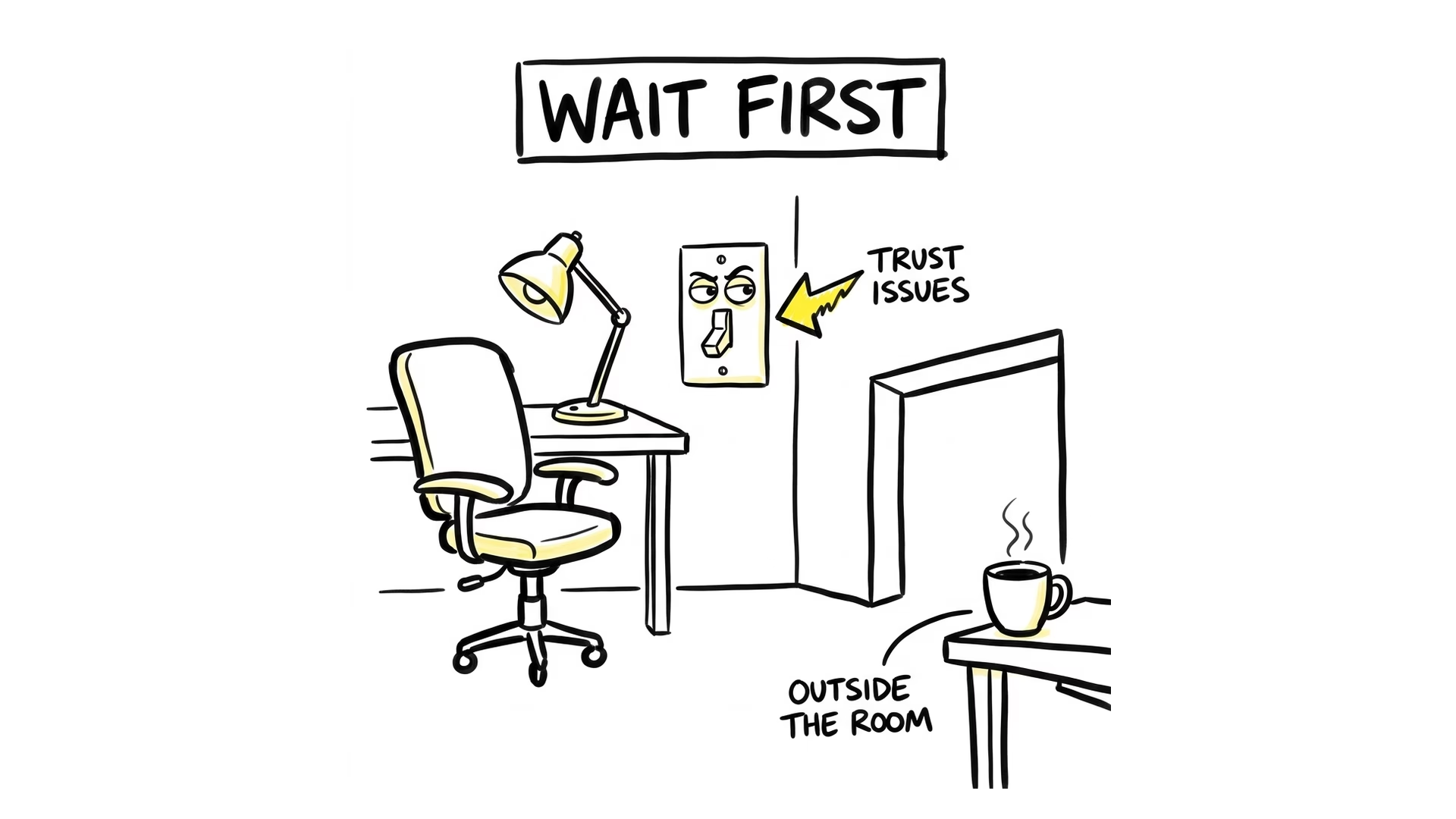
The duration makes the automation feel less like a trap.
Garage door reminders
If the garage door has been open for 30 minutes after sunset, send a notification.
This is a classic “peace of mind” automation. You do not want to think about the garage door at 11:42 at night. You want the house to notice it before it becomes a whole story.
Window and heating checks
If any upstairs window has been open for more than 10 minutes while heating is active, send a reminder or pause the heating.
This is simple, useful, and easy to understand. It is also the kind of automation that can save money without making your house annoying.
Movie night
When the media player starts playing, dim the lights. When it pauses, bring a small light back. When it turns off, return the room to normal.
This is not about showing off. It just makes the room behave the way you already expect it to behave.
Timers that actually help
A timer can start, pause, restart, cancel, or finish. Each of these moments can trigger something useful.
A tea timer can flash the kitchen light. A laundry timer can remind you before the clothes become suspicious. A kids’ screen-time timer can give a five-minute warning before the negotiations begin.
Small things. Real things.
Why this is better than thinking only in entities
Entities are powerful, but they are not how most people think about their home.
People think in rooms, floors, labels, routines, and little moments:
- upstairs windows
- office empty
- movie night
- doorbell rang
- timer finished
- update waiting
- garage door open too long
That is the language of a home.
The more Home Assistant can work in that language, the easier it becomes to build automations that survive real life. Sensors get replaced. Devices move. Names change. You add a second motion sensor because the first one had the personality of a sleepy potato.
The automation should not fall apart every time one tiny technical detail changes.
That is why areas, floors, labels, device classes, and purpose-specific triggers matter. They help you build around the idea, not only the exact entity name.
A quick note about Home Assistant Labs
There is one catch: these purpose-specific triggers and conditions are still in Home Assistant Labs.
So do not treat them like the final version of automation forever. Treat them like a preview of where things are going.
And I think the direction is good.
The future of Home Assistant automations should not be “here is a bigger pile of YAML”. YAML is still useful, and advanced users will always want control. But the normal path should be easier than that.
A good automation editor should help you say:
When this real-life situation has been true long enough to matter, do the helpful thing.
That is the whole idea.
Free Smart Home Glossary
If some Home Assistant words still feel confusing, I made something useful for that.
You can download my free Smart Home Glossary here: automatelike.pro/glossary
It is full of Home Assistant words and smart home acronyms, explained in simple language. Things like entities, sensors, automations, triggers, conditions, integrations, MQTT, Zigbee, Matter, Thread, and many more.
I made it because smart home tutorials often assume you already know the words. But if one word is unclear, the whole setup can suddenly feel harder than it really is.
So if you ever read a Home Assistant guide and think, “Wait, what does that mean again?”, grab the glossary. It is free, and it is made exactly for that moment.
Final thoughts
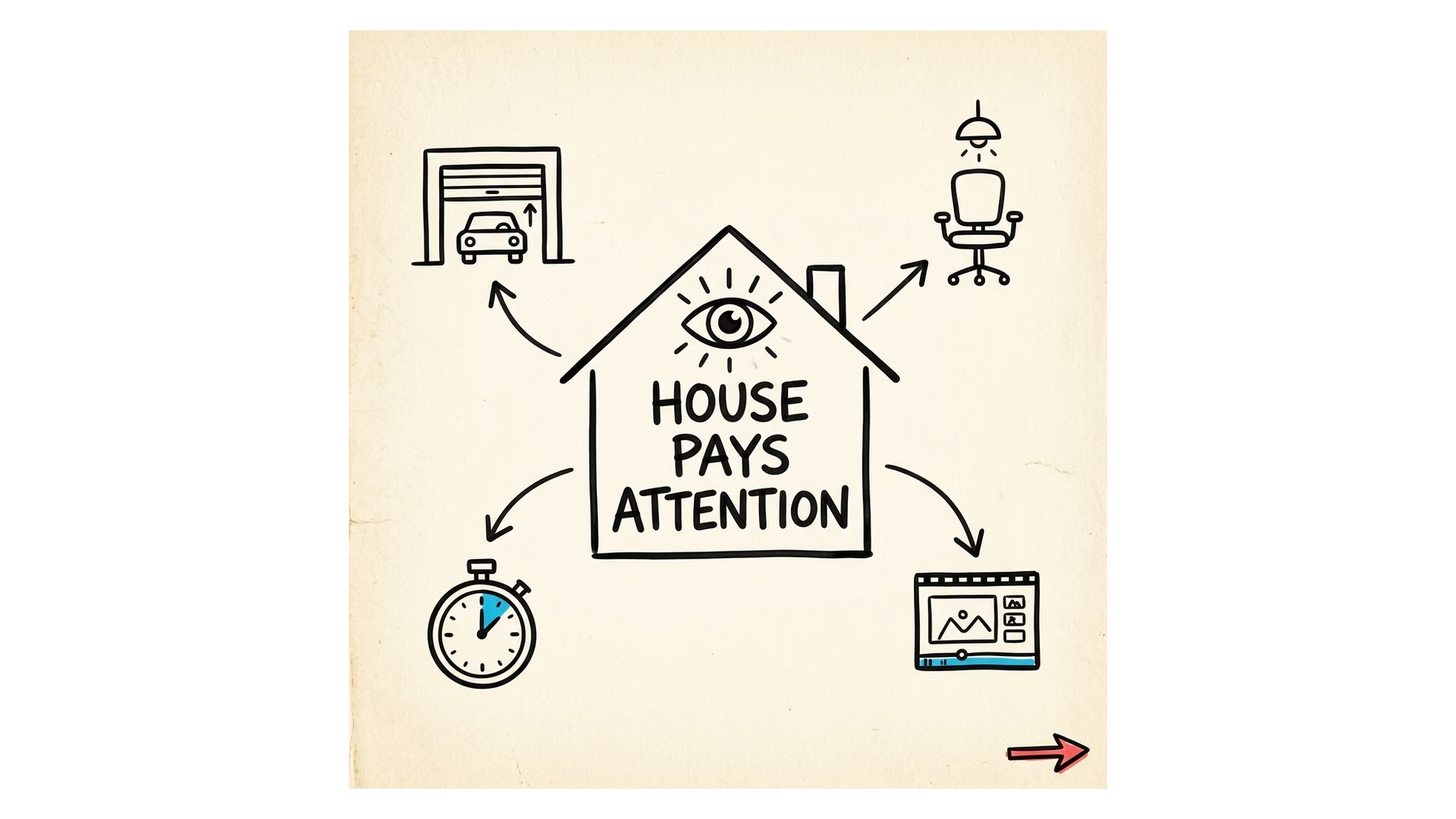
I like these new Home Assistant automation triggers because they move the automation editor closer to normal language.
The smart home should not only react to raw sensor changes. It should understand the moment a little better.
- An office being empty for 15 minutes.
- A window being open long enough to waste heat.
- A garage door staying open after sunset.
- A movie starting in the living room.
- A timer finishing in the kitchen.
That is where automation starts feeling less like programming and more like living in a home that pays attention.
And yes, the cat will still lie about being fed.
Some problems are bigger than Home Assistant.
For more Home Assistant guides, check my Home Assistant articles here.
External reference: Home Assistant automation trigger docs.