
Home Assistant infrared control and IR automation just became much more interesting in Home Assistant. At first, that sounds like a small technical update, but this change could quietly unlock a lot of real devices that are already sitting in your home.
When people think about major Home Assistant updates, they usually think about dashboards, Matter, voice assistants, or flashy new integrations. They do not usually get excited about infrared. But after digging into this release, I think Home Assistant infrared support may be one of the most practical smart home improvements this year.
Table of Contents
The Reality Check
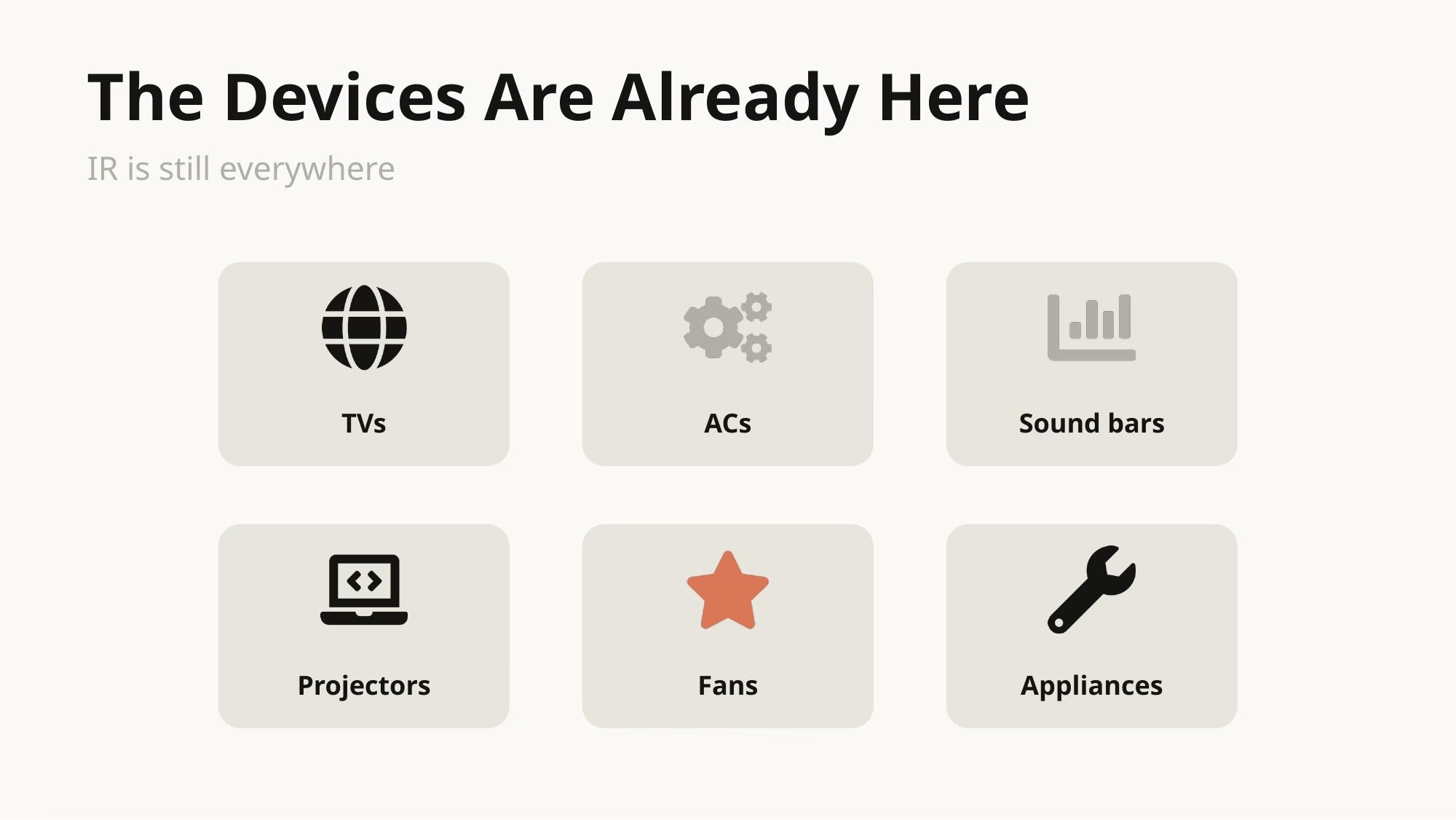
Your home is probably full of devices that still depend on an infrared remote. TVs, mini-split AC units, sound bars, projectors, fans, heaters, and plenty of other appliances still work perfectly fine, but they never received a modern smart interface.
That is why this matters. Home Assistant 2026.4 changes the conversation by treating infrared control like a real platform feature instead of a workaround. The new Infrared integration adds native support for infrared proxies, which means small ESPHome-based devices with an IR transmitter can act as local command relays for Home Assistant infrared devices.
Tired of reading? Check the Video
What Actually Changed
Before this release, infrared control in Home Assistant often meant bolting together random pieces yourself. Scattered YAML snippets, one-off scripts, and half-documented forum setups were common. It could work, but it often felt like a hack rather than clean IR automation.
Now there is a defined way to send infrared commands through dedicated proxy hardware. Instead of treating IR as an afterthought, Home Assistant built native IR support as a proper platform. That is a big shift because it gives future integrations a cleaner foundation.
Why The Proxy Model Matters
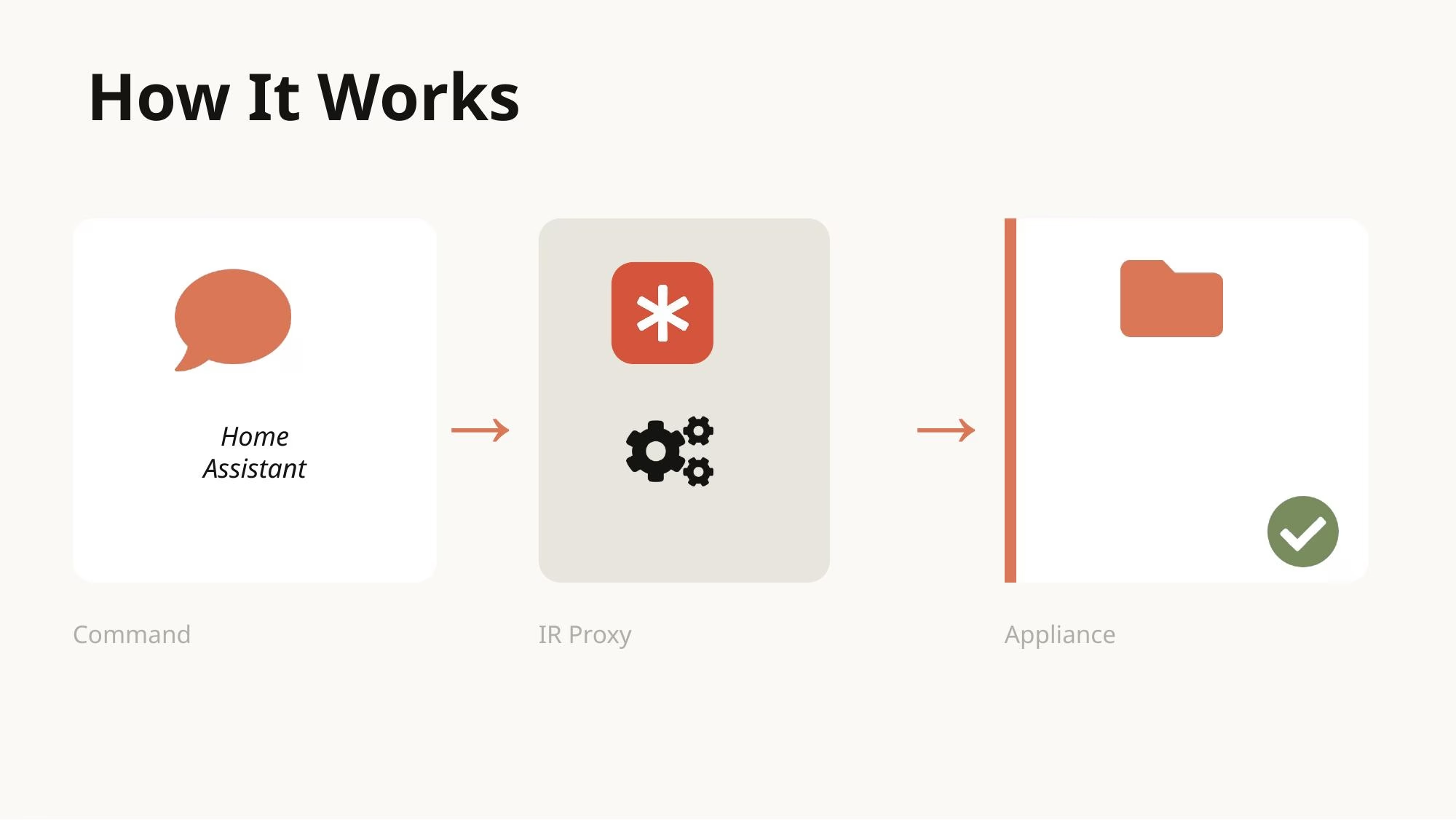
The best mental model here is Bluetooth proxies. Bluetooth got dramatically more useful in Home Assistant once cheap ESPHome devices could extend reach throughout the house. Infrared proxies can do something similar, but for line-of-sight infrared control.
You place an inexpensive ESPHome IR device in the right room, Home Assistant sends the command, and the proxy transmits it to the appliance. That simple flow is what makes IR automation practical instead of fragile.
This is the part that makes the update feel different. Native infrared is no longer just about blasting a raw code from one device. It is about creating a repeatable local pattern for infrared control across rooms and across different appliances.
The First Real Example
The first concrete example in this rollout is LG Infrared. Home Assistant can expose an LG TV as a proper media player while also adding button entities for the functions you actually expect from a remote.
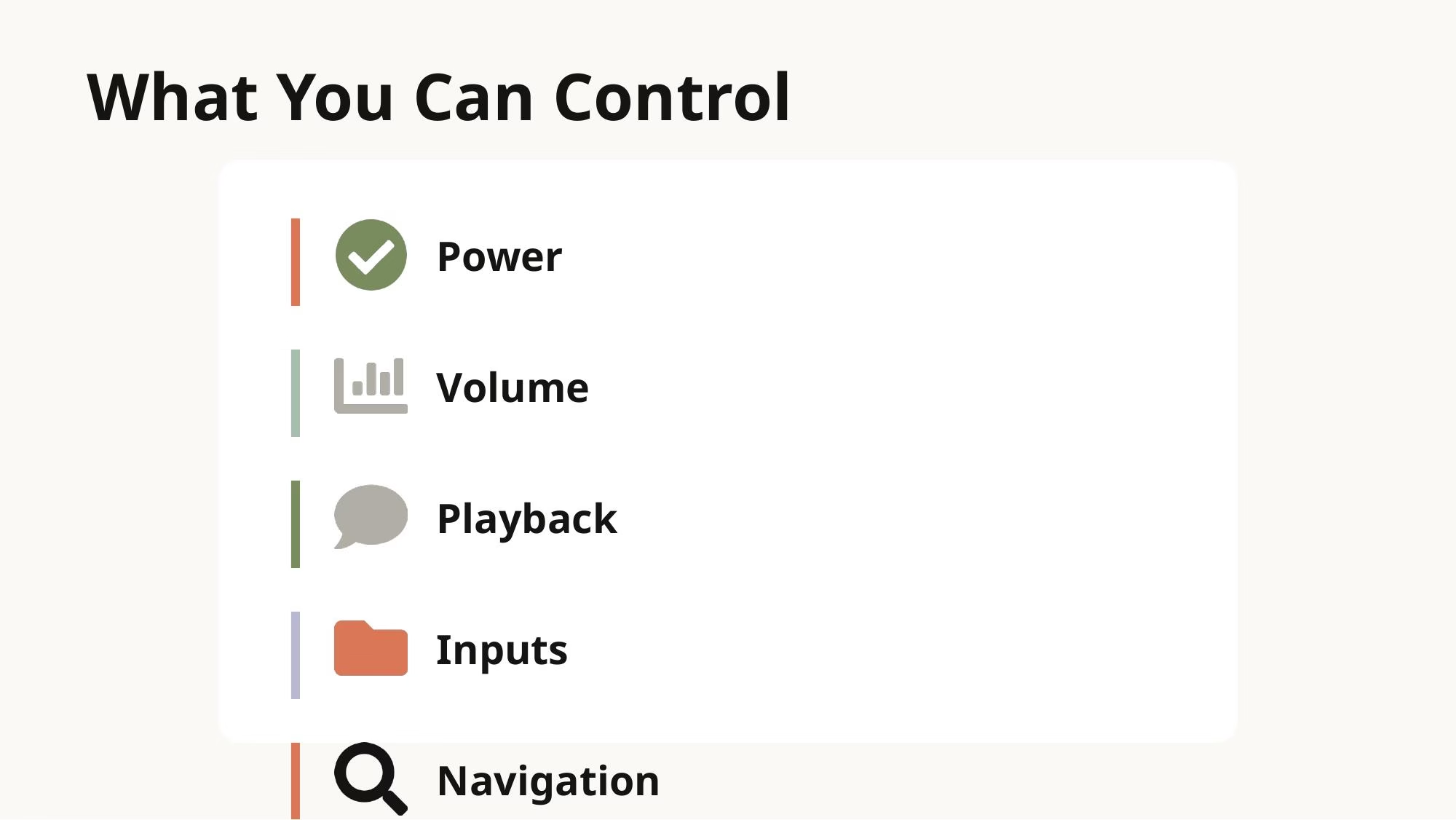
That includes power, volume, channel changes, playback controls, navigation, and input switching. The goal is not just raw transmission. The goal is to make infrared-controlled products show up in Home Assistant as meaningful devices with useful controls, which is exactly what good IR automation should feel like.
Being Honest About Limitations
Infrared still has a limitation that no software update can magically remove. It is mostly one-way communication. In many cases, Home Assistant has to make a best guess about device state instead of receiving confirmation back from the device.
This is not the same as a two-way local API. But that does not make it weak. For many everyday tasks, assumed state is completely acceptable, especially for TVs and other devices where commands are predictable and the automation flow is simple.
So yes, this kind of local infrared control has trade-offs. But for the right devices, those trade-offs are reasonable, and the benefit is that IR automation can finally become part of a normal local smart home setup.
Why This Is Bigger Than TV Control
What makes this release important is not just one LG TV example. It is the fact that Home Assistant now has a path for infrared as a first-class category. Once that foundation exists, more brands and more device types can follow.
Think about the practical impact. A mini-split AC that has no cloud API. A projector in a media room. A sound bar with a basic remote. A fan that only came with an IR handset. These are not edge cases. These are normal home devices, and native infrared support gives them a much better chance of joining your smart home.
The Open Home Vision
There is also a sustainability angle here that I think is genuinely important. A lot of appliances are still perfectly good, they are just not networked. If you can bring them into Home Assistant with a small local IR transmitter, you do not need to replace them with newer cloud-heavy versions just to automate them.
That is good for cost, good for local control, and good for reducing pointless hardware waste. It fits perfectly with the Open Home vision of keeping your devices under your control. In that sense, infrared control is not nostalgia; it is a practical way to make existing hardware useful again.
Getting Started
The practical setup path looks approachable. You use an ESPHome-compatible IR transmitter device, flash a ready-made project, add it to Home Assistant, and then pair it with an integration that knows the target protocol.
The example Home Assistant is pushing right now is hardware in the Seeed XIAO IR Mate class, which makes IR experiments a lot more approachable than a custom breadboard project.
Final Thoughts
To me, this is one of those features that sounds modest until you think about how many devices it unlocks. Infrared never really went away. Platforms just stopped caring about it because it was not flashy. But in real homes, it is still everywhere.
Home Assistant finally decided to meet reality where it is. That is why this update matters. This support gives old remotes, older appliances, and simple IR devices a cleaner path into a local smart home.
If you care about local control, making old hardware useful again, and building a smart home around the devices you already own, infrared becoming a real Home Assistant platform feature is a much bigger deal than it might look at first glance. This is not about old tech nostalgia. It is about making your actual home smarter with practical infrared control and useful IR automation.
Want more Home Assistant tips? Check out my other Home Assistant articles for practical automation ideas and setup guides.